
- Current product instructions and technical input.
- Product access, usable footage or suitable image/drawing references.
- The demonstration task, audience and nominated reviewer.
PRODUCT & EQUIPMENT DEMONSTRATIONS
Connect the tool
to the task.
Focused demonstrations for equipment makers, distributors and technical teams. Explain what a product does, how it is used and what its output can tell the audience.
When the product needs context.
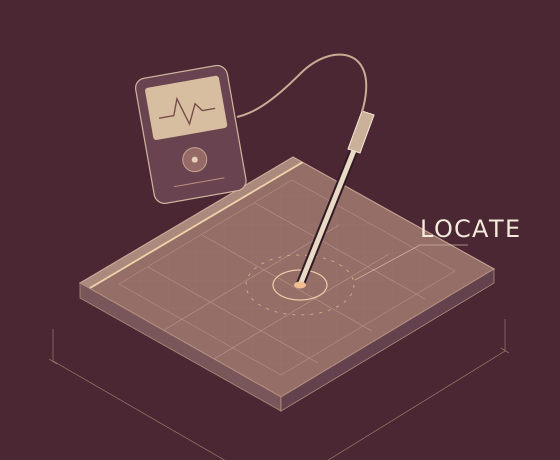
A close-up, a labelled illustration and a short filmed action each explain something different. We choose the combination that serves the product and the question, using verified instructions and technical input.
A clear scope,
from the start.
- A scoped demonstration edit, illustrated explainer or short animation.
- Captions and presentation images where included in the agreed scope.
- Agreed versions for the channels identified at the start.
- The task, claims and limitations before production.
- The relationship between the action, reading and explanation.
- The final demonstration and its labels with the technical reviewer.
Price, timing and final files
The scope depends on access, footage, source preparation and the visual treatment. Filming requirements and specialist production needs are confirmed before a quote is agreed. Editable project files and additional adaptations are included only when agreed in the scope.
The scope depends on access, footage, source preparation and the visual treatment. Filming requirements and specialist production needs are confirmed before a quote is agreed. Editable project files and additional adaptations are included only when agreed in the scope.
What needs
explaining?
A product link, a drawing or a few lines about the question is enough to start. Tell me who needs to understand it and where it will be used.
kevin@certifiedwaterproofing.com.au