
- Current product information and relevant drawing or photograph references.
- The question to answer, intended audience and use.
- A nominated person to check the technical content.
TECHNICAL ILLUSTRATION
Explain the detail.
Show the relationship.
Labelled diagrams, sections and exploded views for building products and technical subjects. Start with one connection, one layered system or one question that is difficult to explain in words.
When a still is the useful view.
A diagram can isolate an interface, reveal a concealed part or help a reader relate a component to the whole. The scope starts with what the audience needs to recognise, compare or understand.
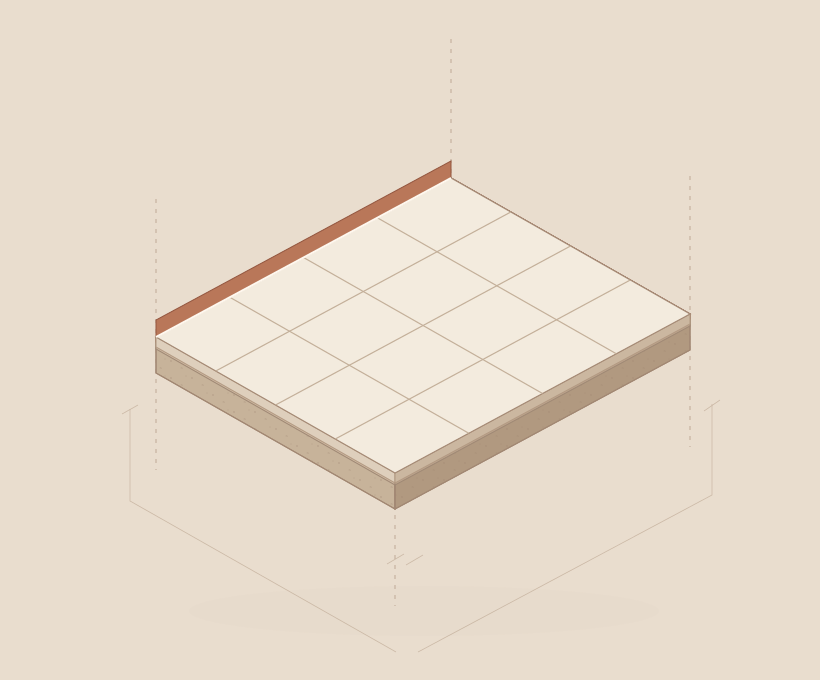
A clear scope,
from the start.
- An agreed number of labelled illustrations or views.
- Web images and/or print-ready PDF exports, as quoted.
- A source/version note and agreed labels or captions.
- A working view to confirm the subject, angle and level of detail.
- Technical review of the relationships, labels and qualifications.
- Final agreed exports after the content review.
Price, timing and final files
A simple diagram and a detailed multi-view product set have different scopes. The quote accounts for source preparation, views, annotation, review and delivery formats. Editable project files and additional adaptations are included only when agreed in the scope.
A simple diagram and a detailed multi-view product set have different scopes. The quote accounts for source preparation, views, annotation, review and delivery formats. Editable project files and additional adaptations are included only when agreed in the scope.
What needs
explaining?
A product link, a drawing or a few lines about the question is enough to start. Tell me who needs to understand it and where it will be used.
kevin@certifiedwaterproofing.com.au